Build more.
Switch less.
All-in-one workspace for AI coding agents — Claude Code, OpenCode, Codex, Copilot, Qwen Code, Pi, Cline, and Cursor. Chat, terminal, git, browser preview, database client, and real-time collaboration — plus Skills, Subagents, Commands, and MCP connectors to extend every engine.
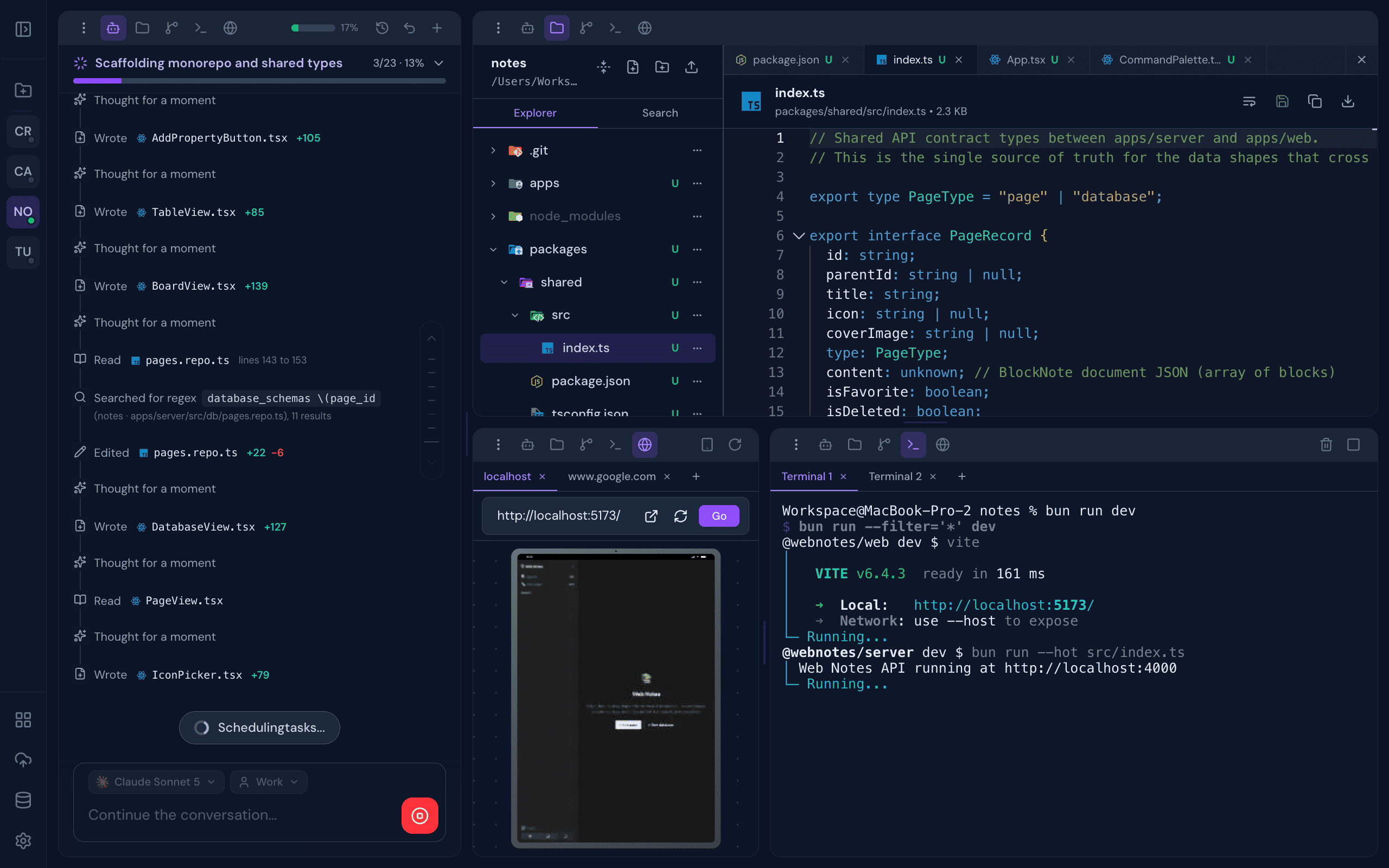
Everything you need,
nothing you don't
A complete development environment designed around AI-assisted workflows, built to disappear into the background and just work.
Built for the way
you actually work
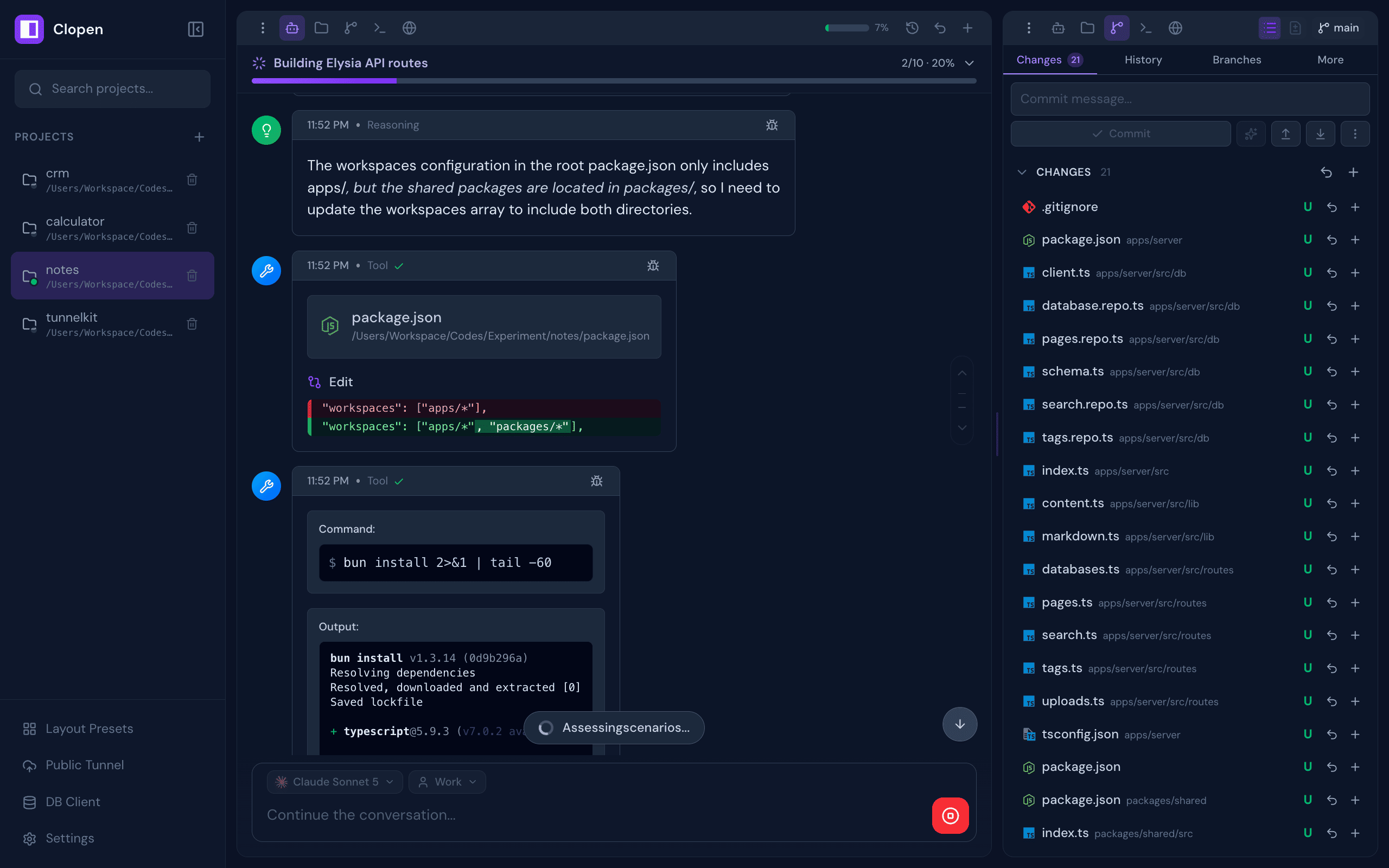
AI Chat with full context
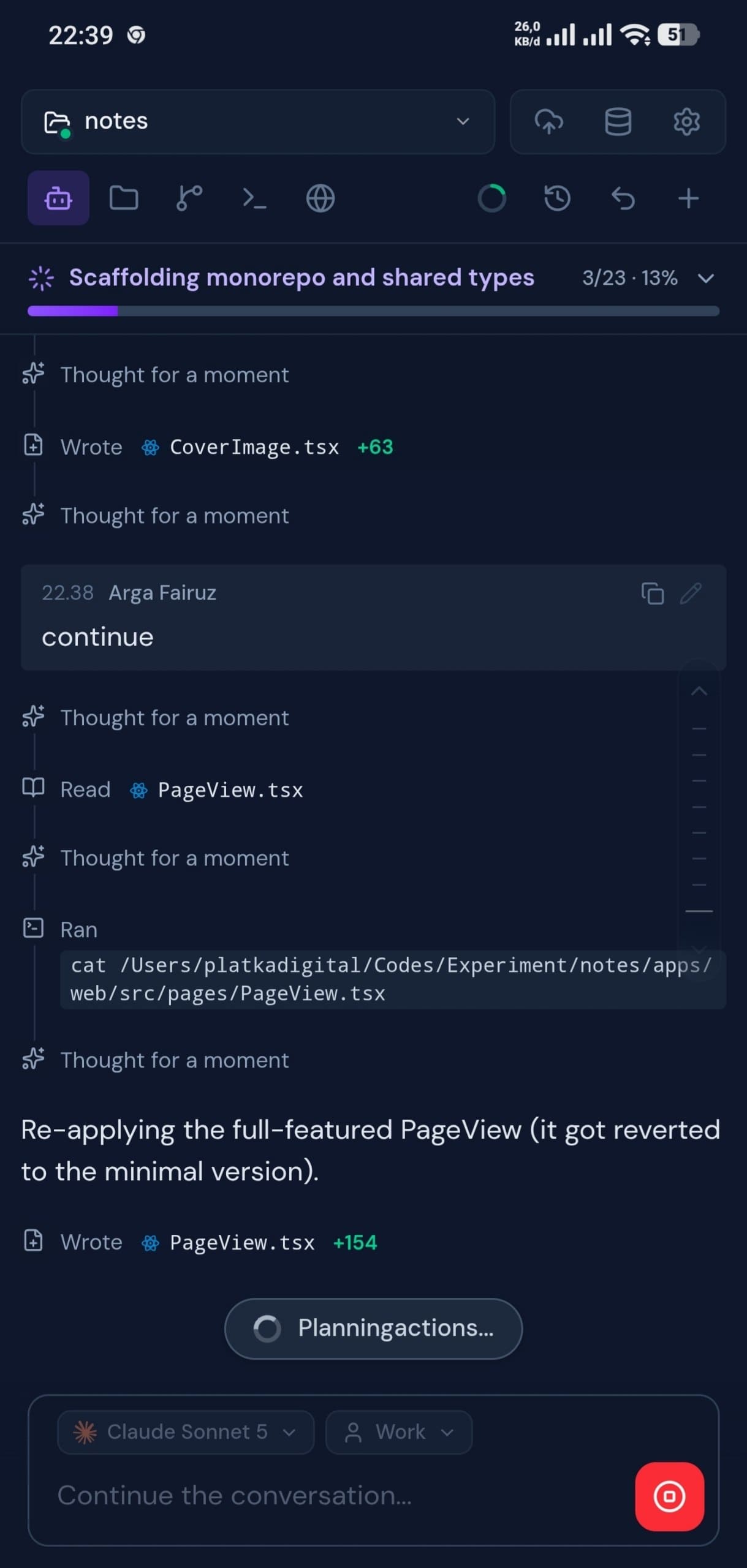
Stream responses from any supported AI engine with real-time tool visualization. Watch as your AI reads files, runs commands, and writes code, fully transparent and reviewable.
- ✓ Multiple independent projects, each with isolated sessions
- ✓ Streaming tool use with live visualization
- ✓ Multiple accounts per engine, switchable per session
- ✓ Supports Claude Code, OpenCode, Codex, Copilot, Qwen Code, Pi, Cline, and Cursor
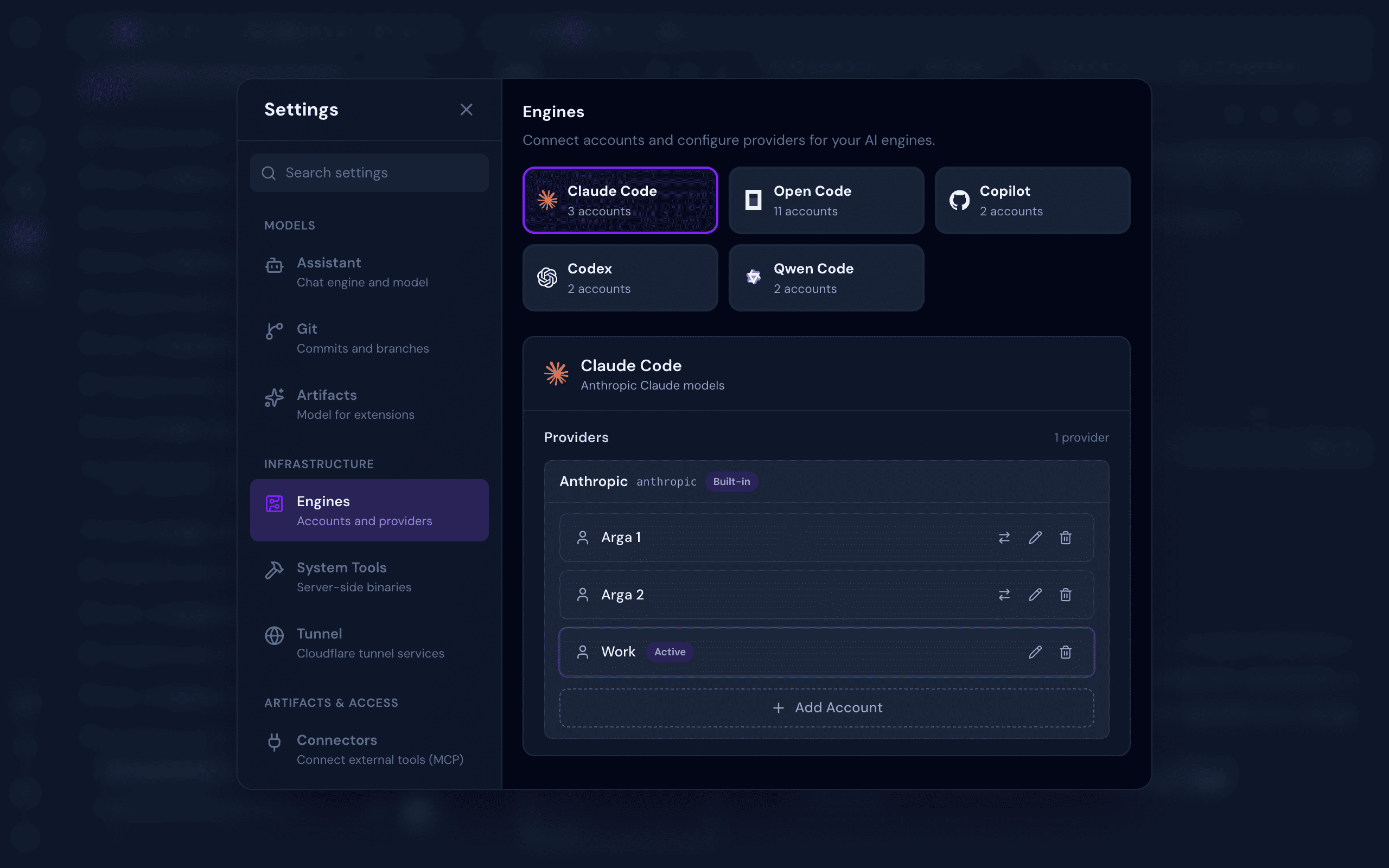
Multi-Engine, Multi-Account
Connect accounts and providers for every AI engine in one place, then switch between them instantly per chat session. No re-login, no friction.
- ✓ Claude Code, OpenCode, Copilot, Codex, Qwen Code, Pi, Cline, and Cursor side by side
- ✓ Add and remove accounts in seconds
- ✓ Switch accounts per session on the fly
- ✓ Isolated credentials per account, per engine
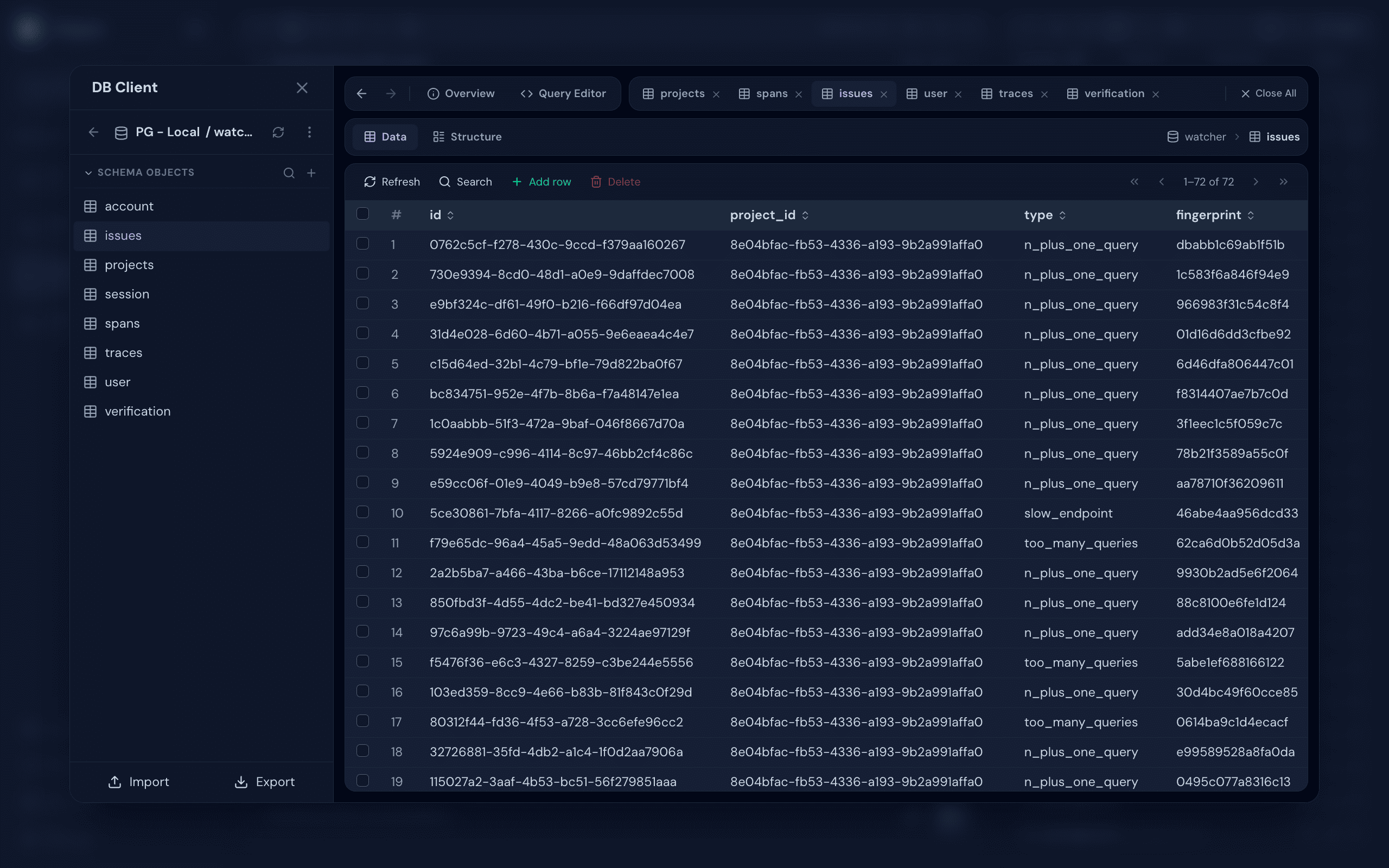
Database Client, built in
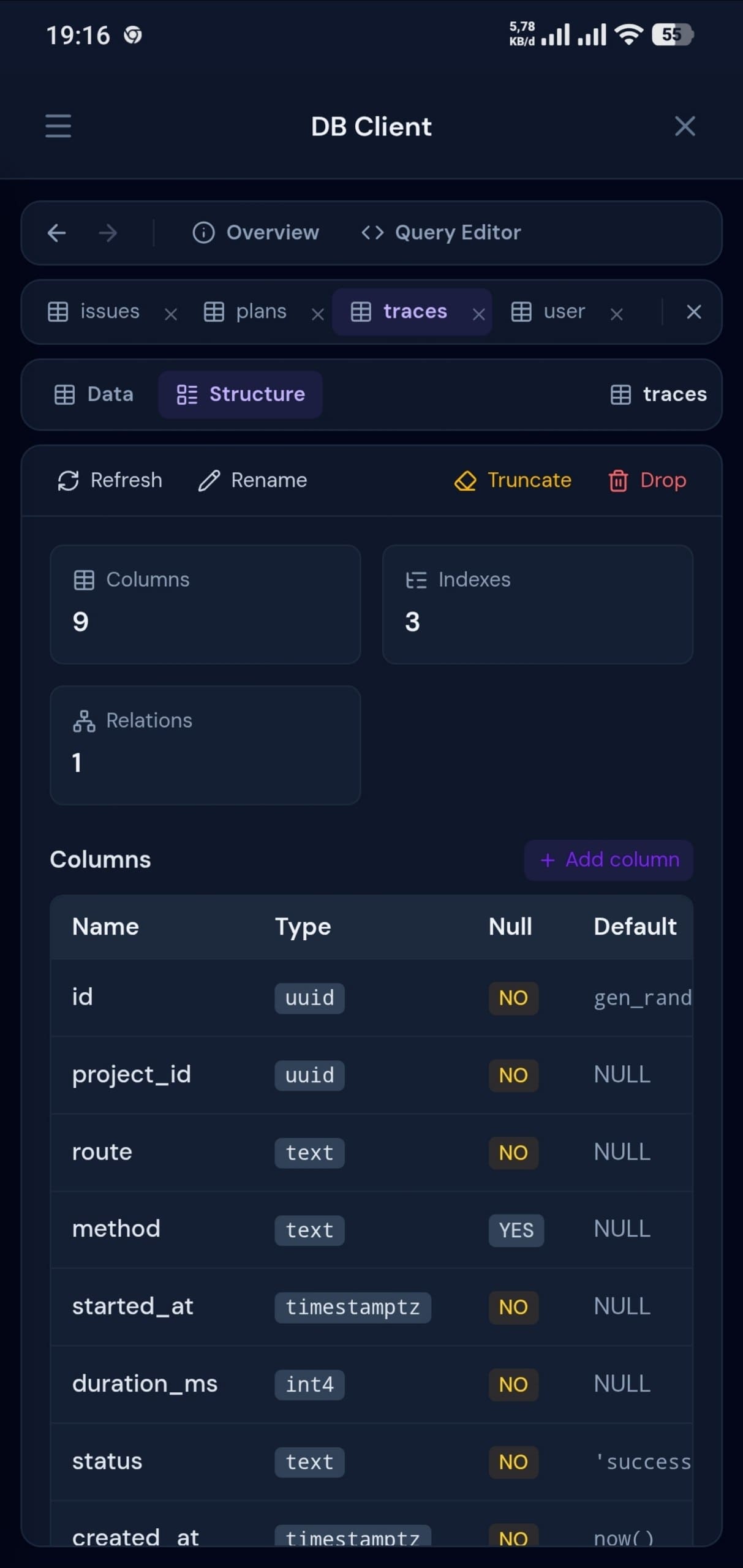
Connect to PostgreSQL, MySQL, SQLite, MongoDB, and Redis directly from your workspace. Browse schemas, run ad-hoc queries, and inspect data without leaving the AI session — with optional SSH tunneling for databases behind a bastion.
- ✓ Postgres, MySQL, SQLite, MongoDB, and Redis
- ✓ Optional SSH tunnel for databases behind a bastion
- ✓ Browse schemas, run queries, inspect results
- ✓ Per-connection access control
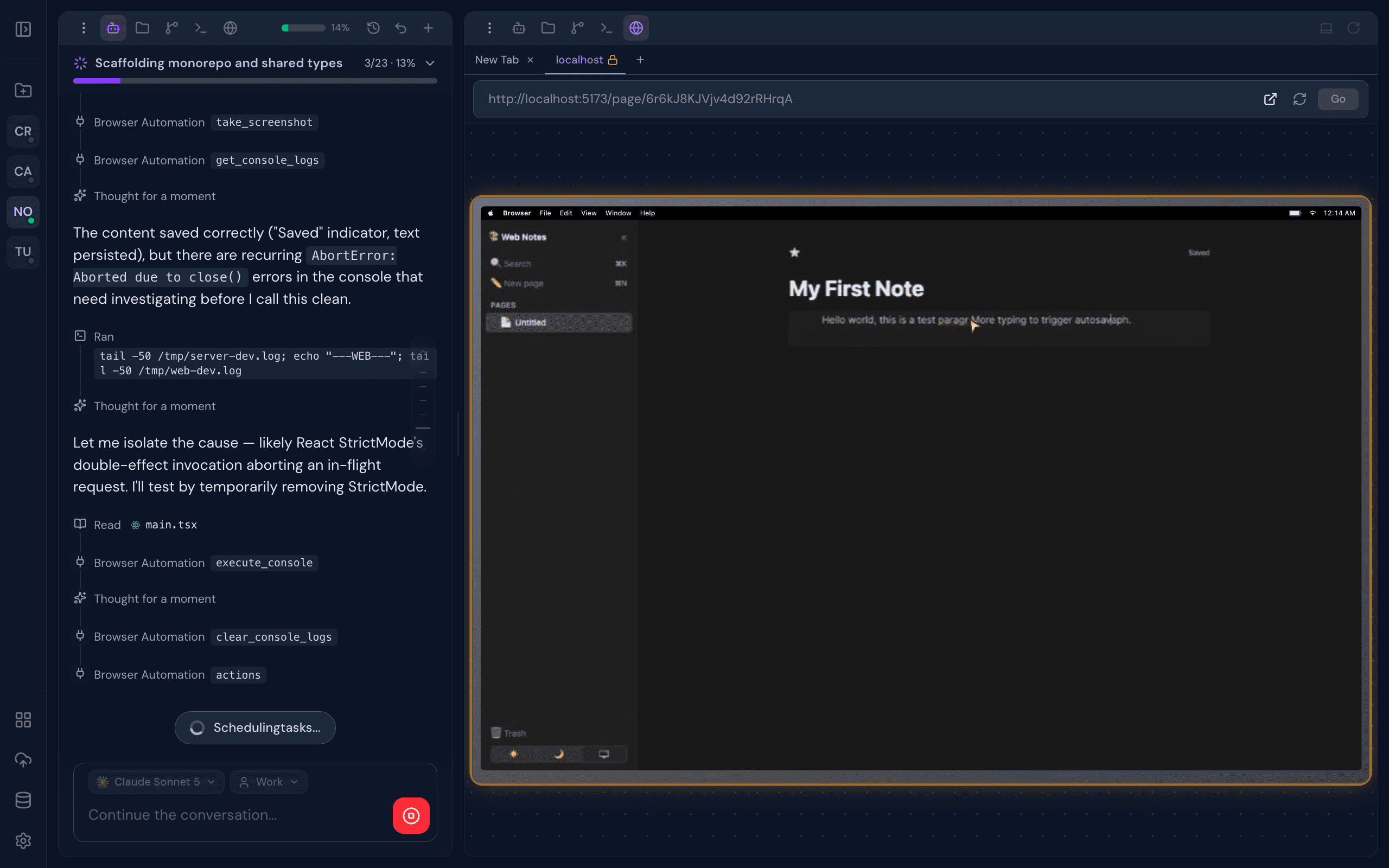
Live browser preview
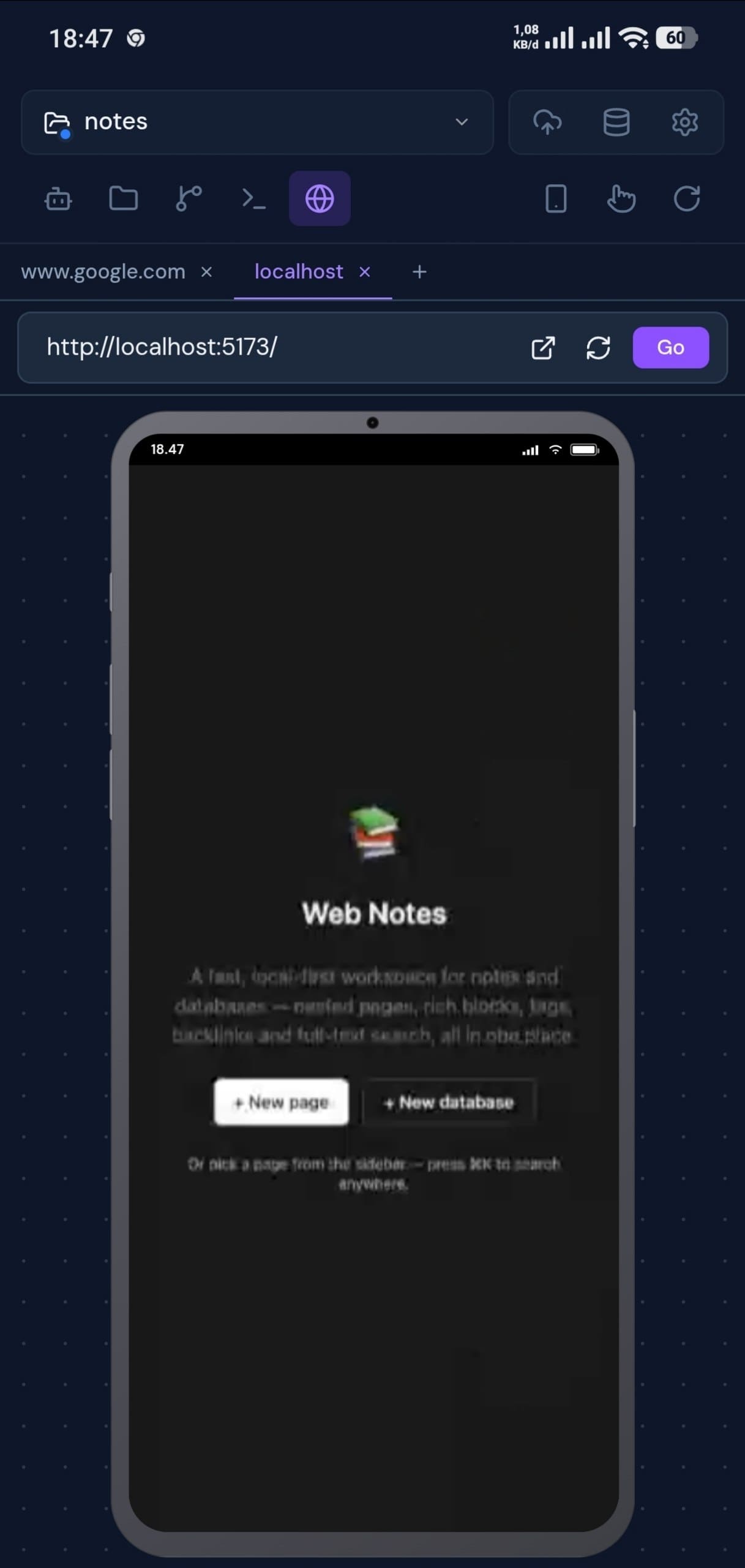
A live browser preview streams directly into your workspace. Interact with your app yourself, or hand full control to the AI: let it click, type, scroll, and visually verify your UI autonomously, step by step.
- ✓ Real Chromium rendering
- ✓ Hardware-accelerated video stream
- ✓ Manual interaction: click, type, scroll, drag
- ✓ AI-driven autonomous visual testing
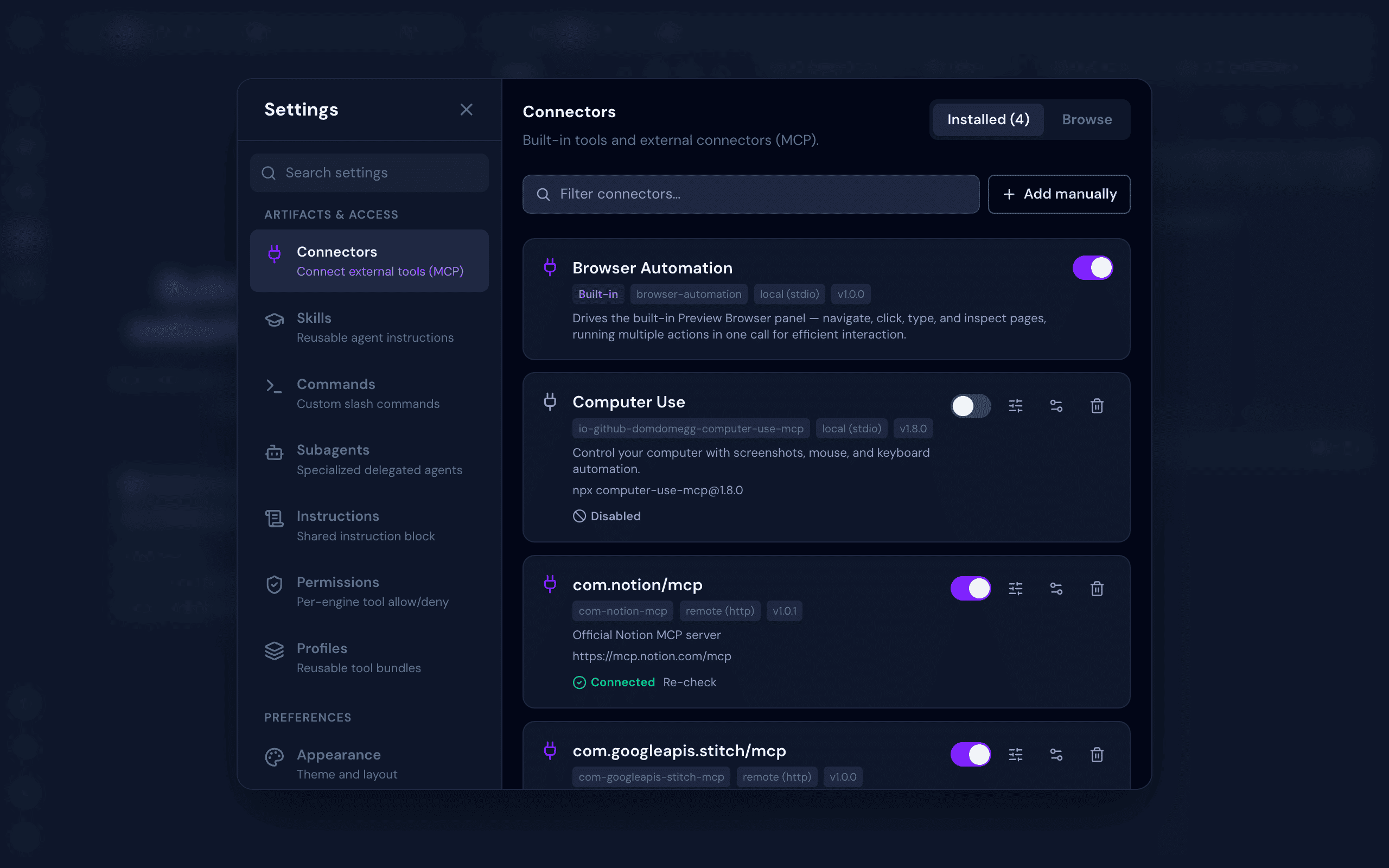
Connectors, browsable and built-in
Browse a searchable catalog of Model Context Protocol servers, connect with OAuth or custom env vars and headers, and sync every connector across every AI engine you use.
- ✓ Built-in tools like Browser Automation
- ✓ OAuth and manual env/header connections
- ✓ Searchable connector catalog
- ✓ Synced automatically across every engine
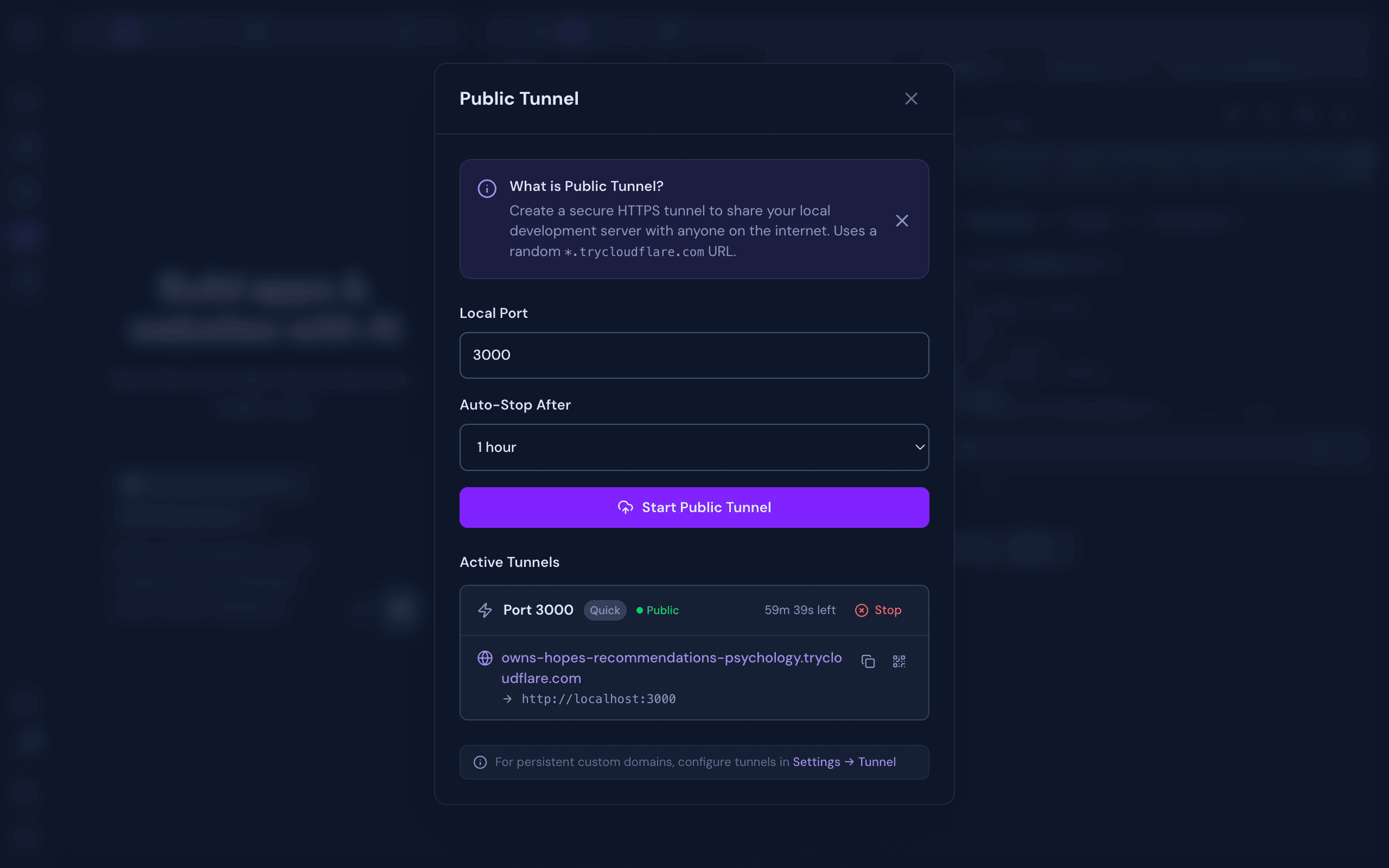
Share your work instantly
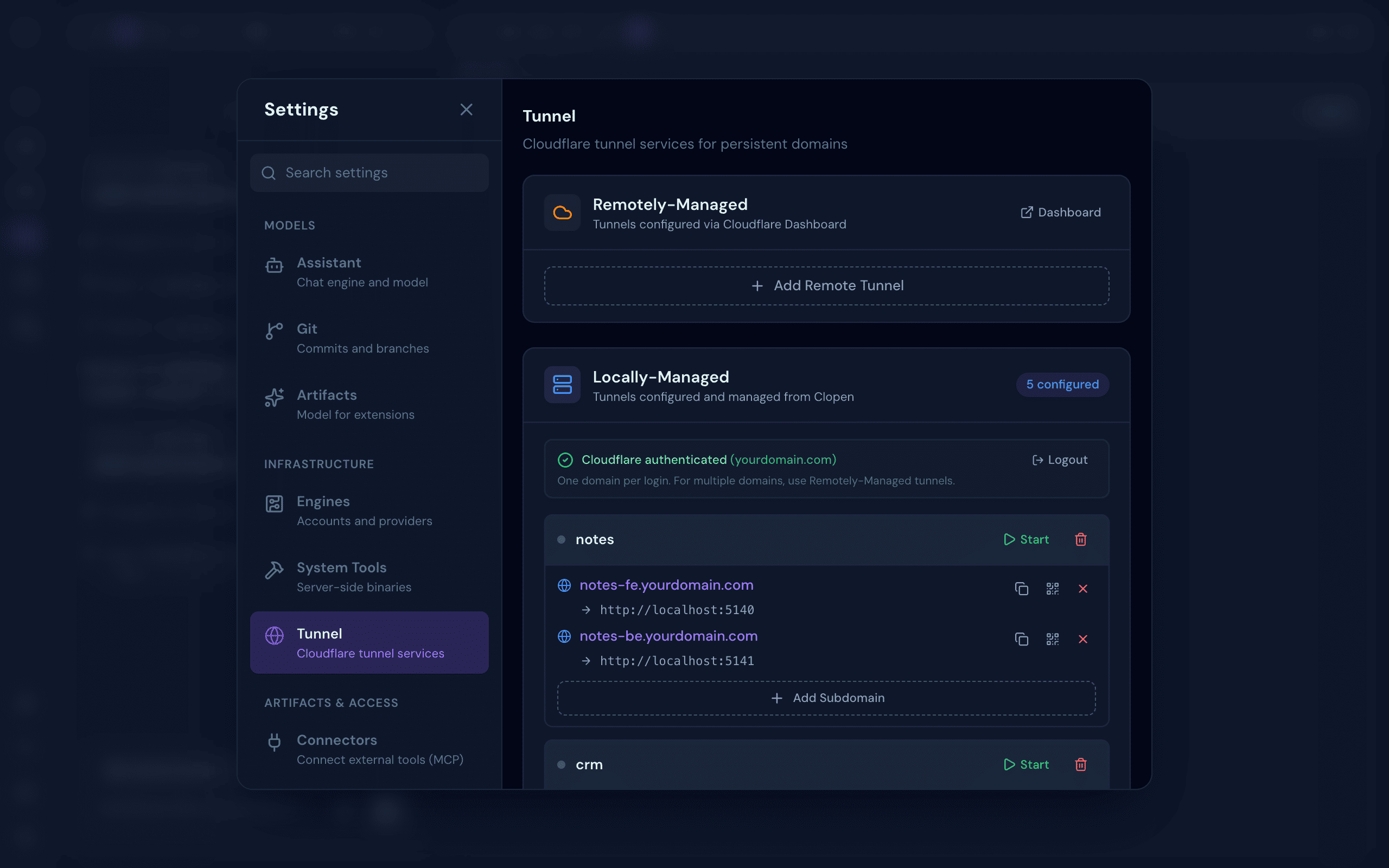
Spin up a secure HTTPS tunnel to your local dev server in one click. Get a public URL and a QR code instantly, no deployment required.
- ✓ One-click public HTTPS URL
- ✓ Configurable auto-stop timers
- ✓ Built-in QR code for instant mobile access
- ✓ Persistent custom domains via Cloudflare
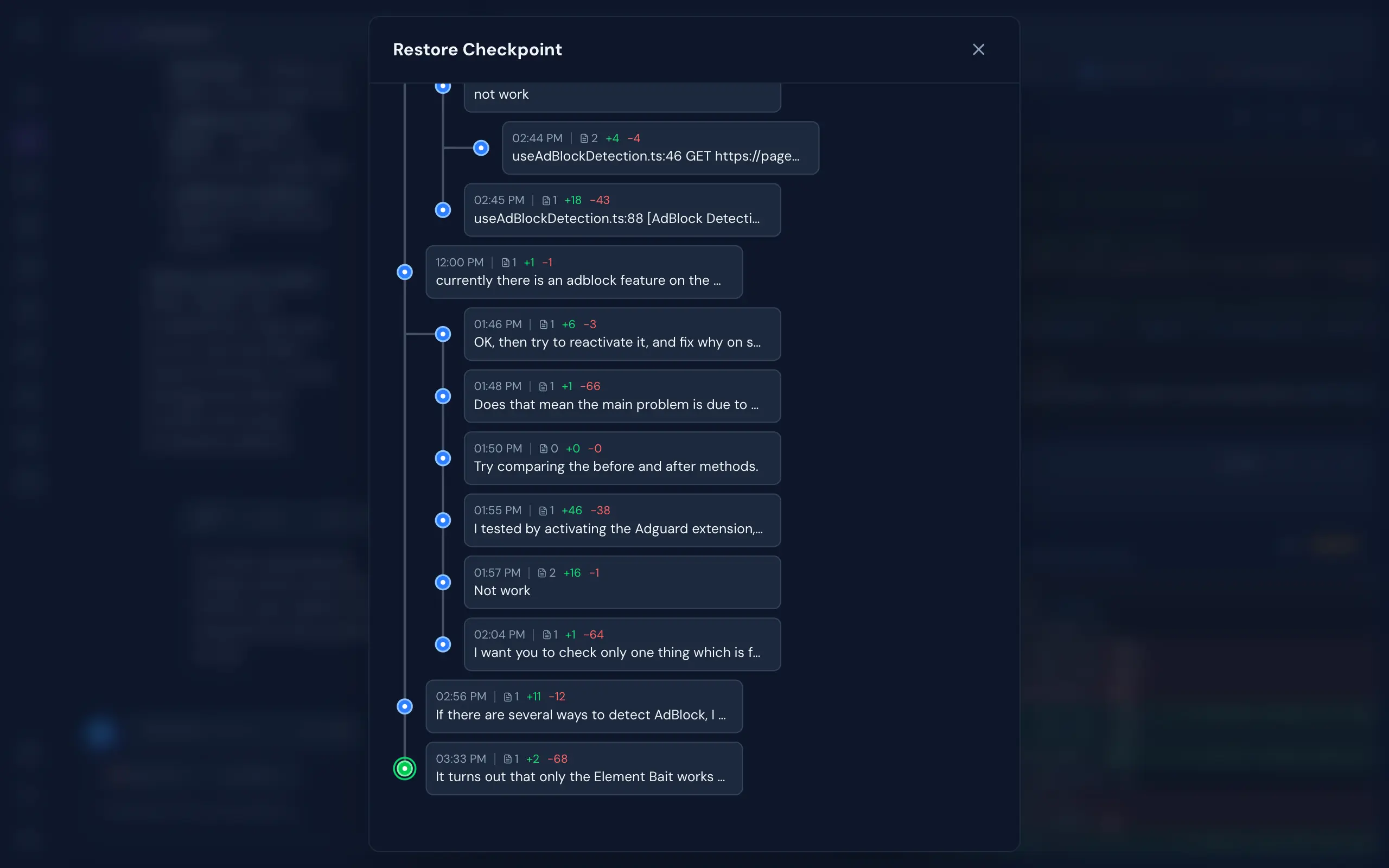
Checkpoint every moment
Never lose progress with AI-session checkpoints. Every action can be snapshotted. Branch off, experiment, then roll back. Like git, but for your entire dev session.
- ✓ Commit-graph checkpoint history
- ✓ Branch and merge AI sessions
- ✓ Content-addressable file deduplication
- ✓ File snapshot diffing
Make it yours
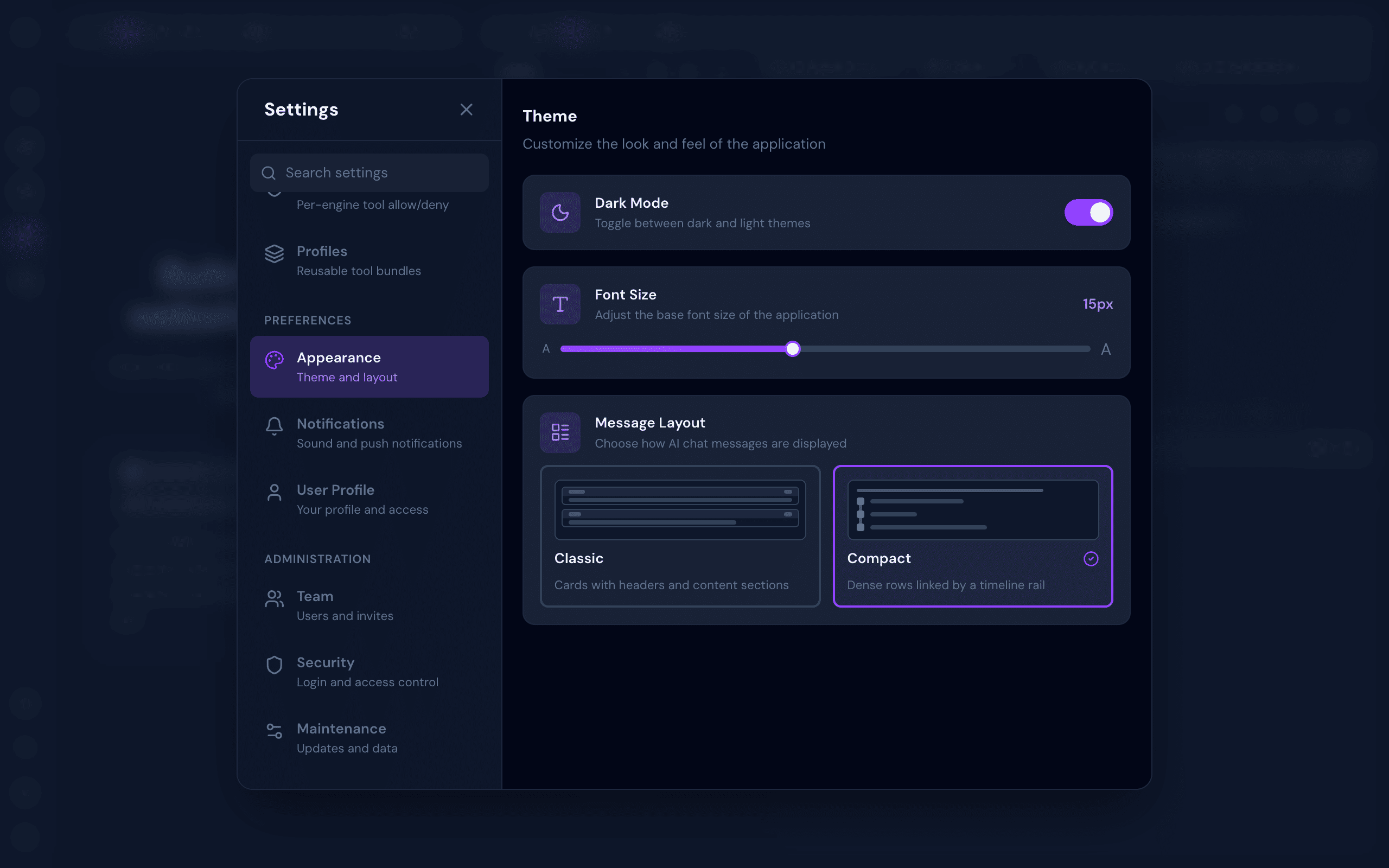
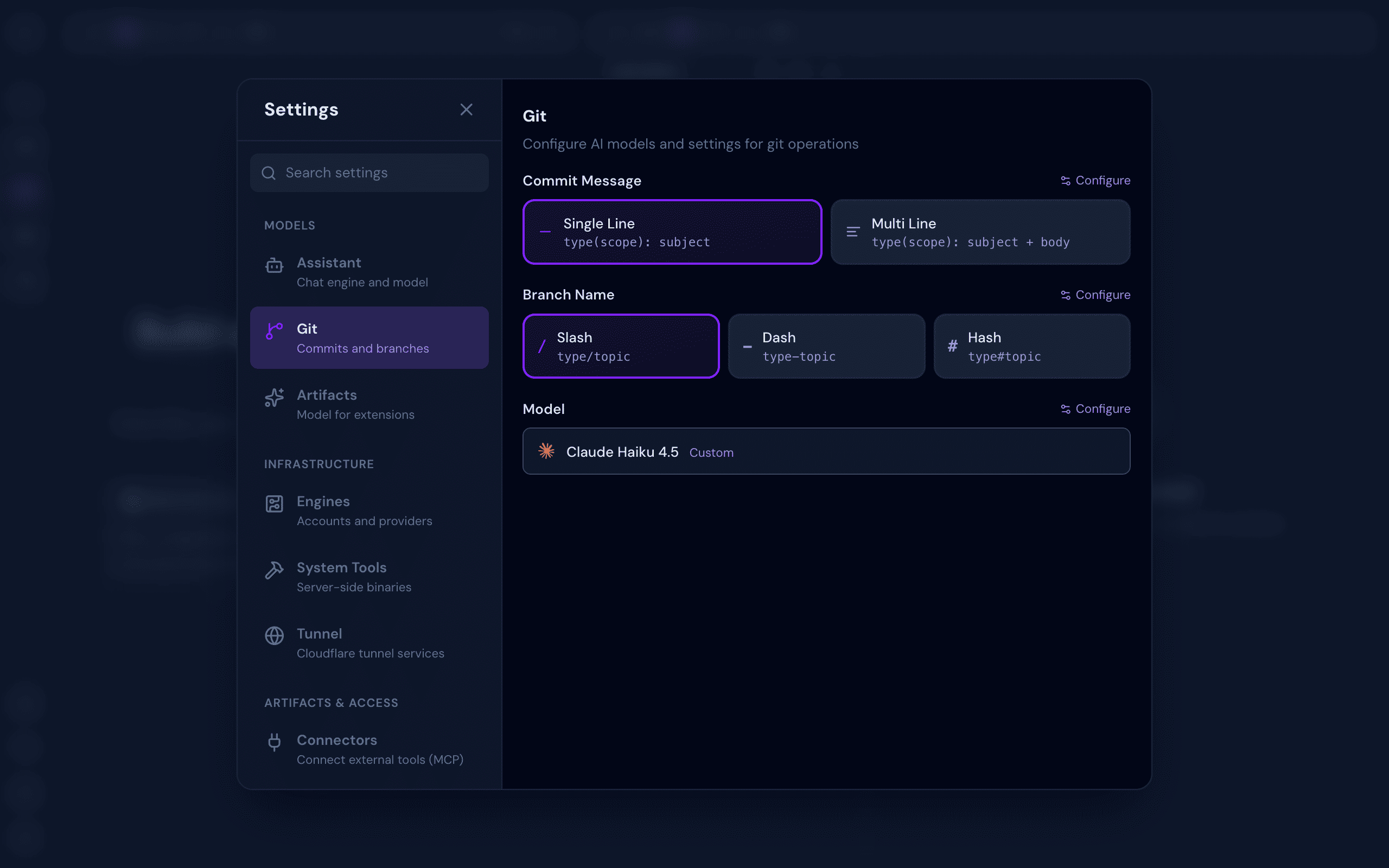
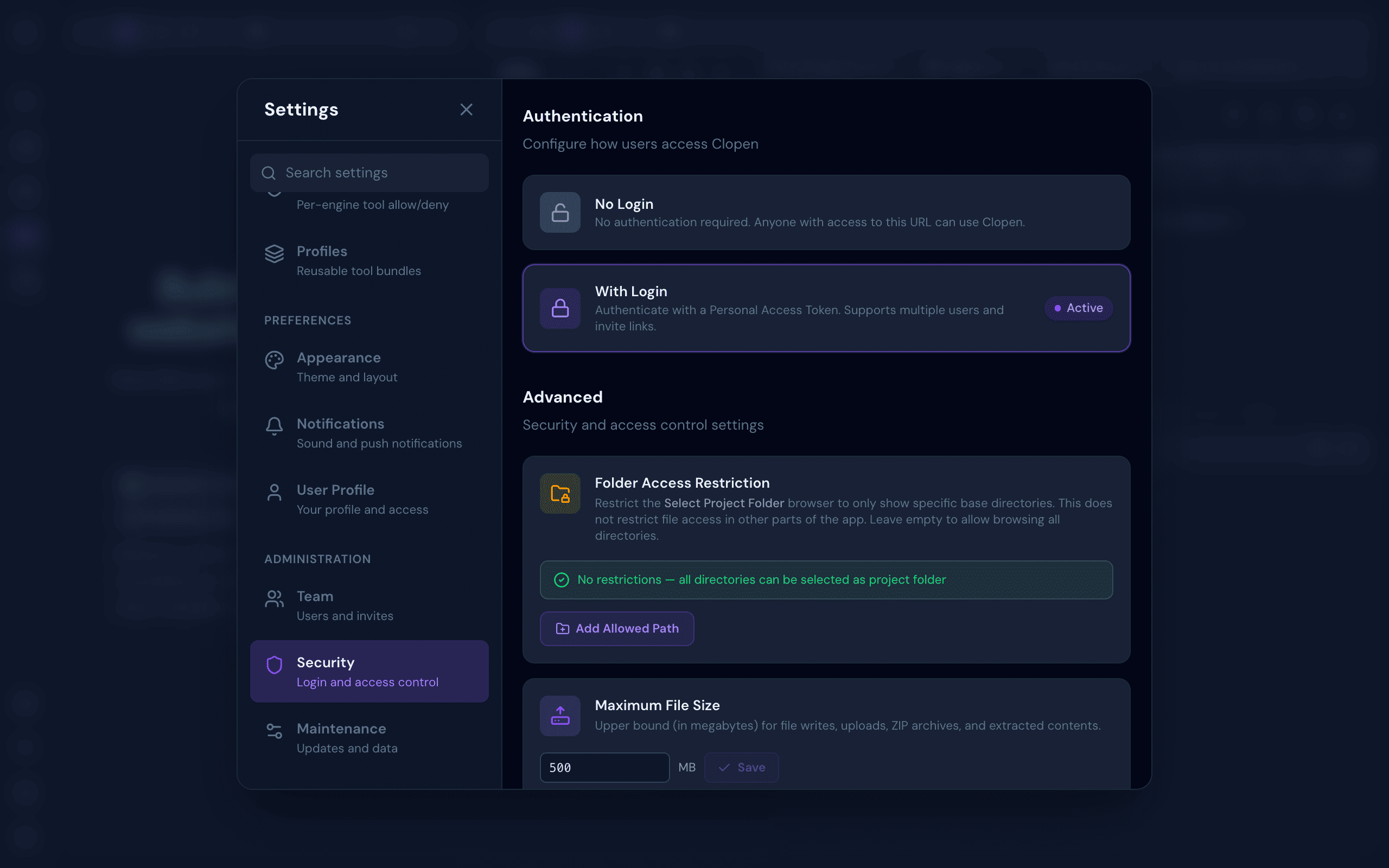
Tune appearance, git conventions, tunnels, and access control without ever leaving the app.
One workspace,
every screen
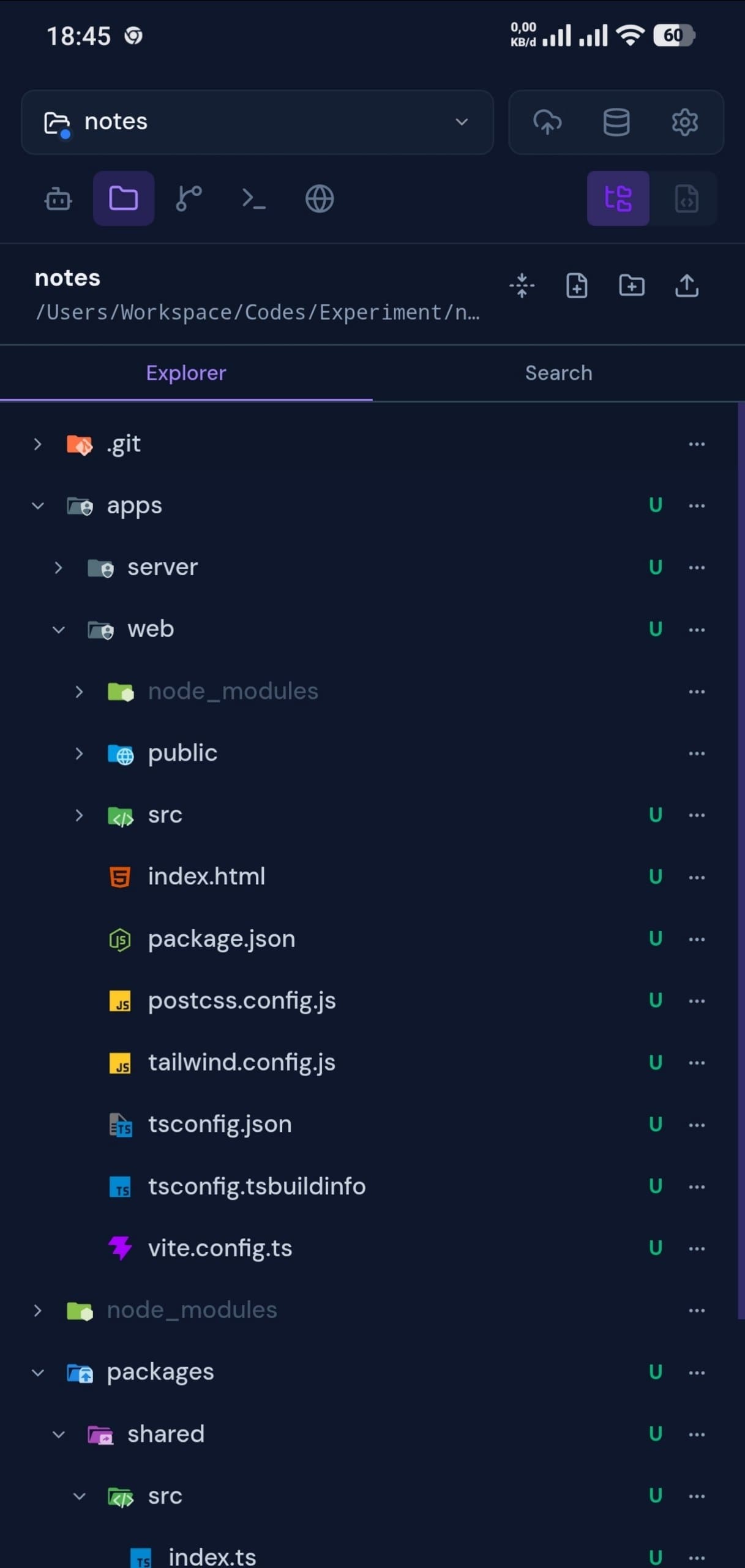
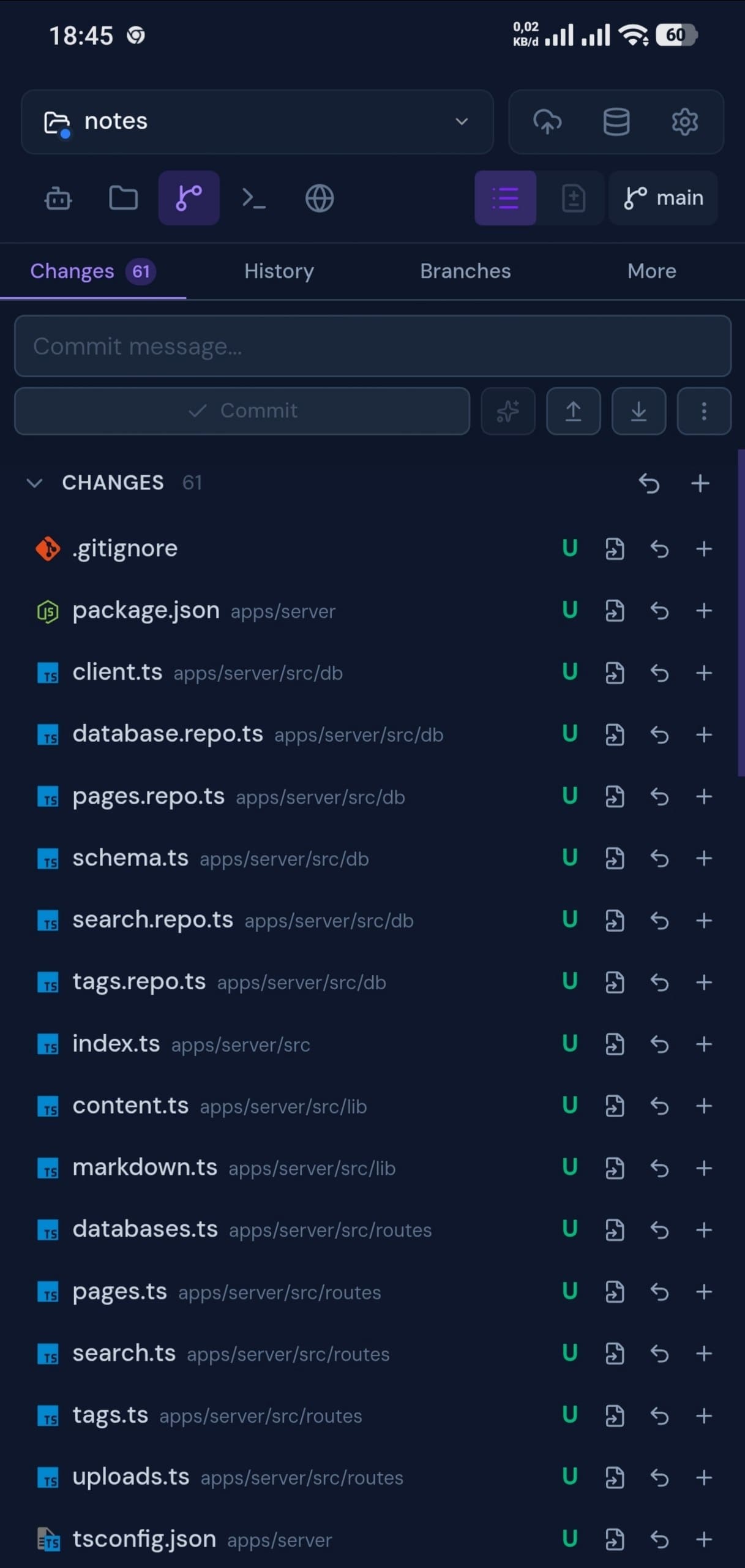
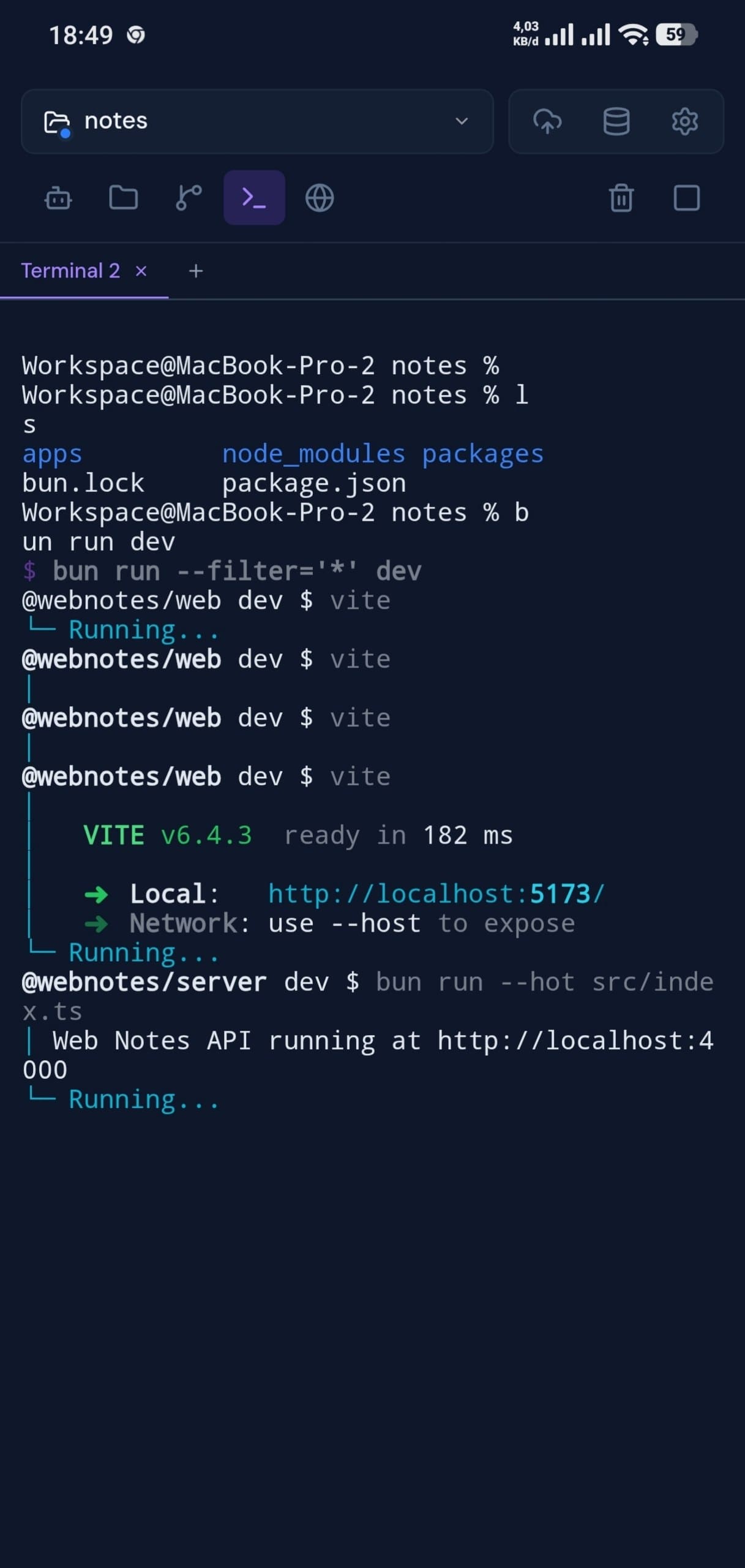
Every panel, fully responsive. Open Clopen on your phone and pick up exactly where you left off.
Install & get going
Requires Bun.js v1.2.12+ and at least one supported AI engine (Claude Code, OpenCode, Codex, Copilot, or Qwen Code) — all installable from Settings → System Tools after first launch. Pi, Cline, and Cursor are bundled in and need no separate install.
Built with modern tools
Carefully chosen technologies that prioritize performance, developer experience, and reliability.
Ready to supercharge
your AI workflow?
Join developers who've moved their entire AI-assisted dev workflow into one beautiful, fast workspace.